Nexus: The ISP Management Platform Built for How You Actually Operate
Nexus is a complete ISP customer management and RADIUS AAA platform — subscriber management, service lifecycle, integrated helpdesk, and real-time monitoring in a single system built on proven open-source infrastructure.
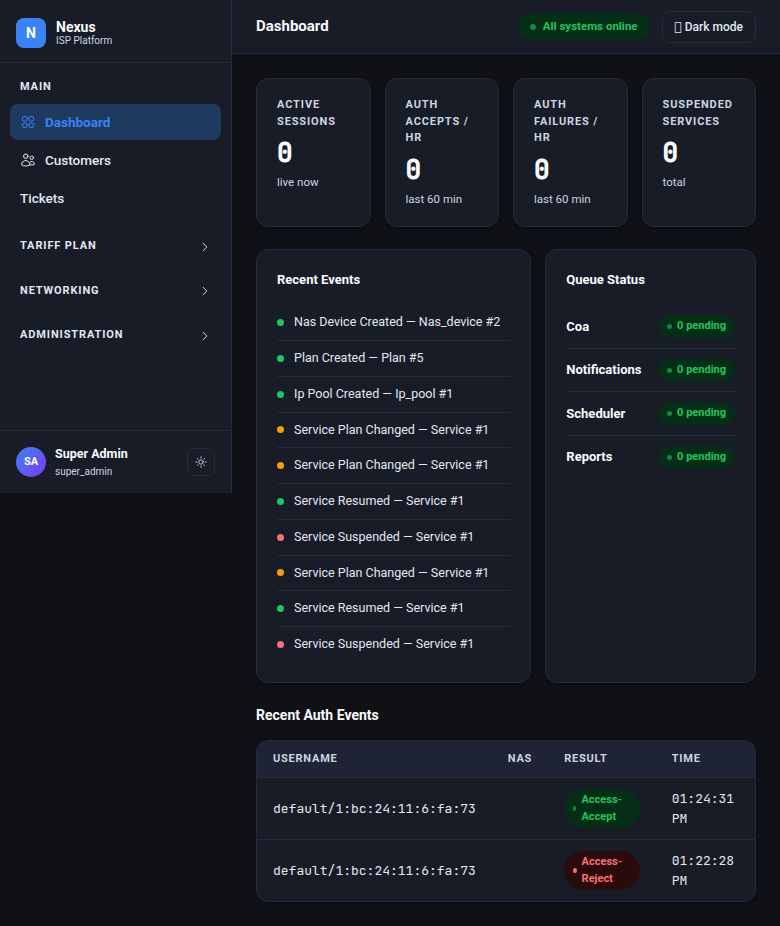
Running an ISP means managing subscribers, controlling internet access, handling support tickets, and monitoring your network — often using multiple disconnected tools. Nexus brings all of that into one platform, purpose-built for internet service providers.
This is a complete overview of what Nexus can do for your operation.
One Platform Instead of Five
Most ISPs end up with a patchwork: one system for subscriber records, another for controlling who can connect, a separate helpdesk, maybe a spreadsheet for IP addresses. When a customer calls saying they can't connect, your support agent has to check three different systems before they can even start troubleshooting.
Nexus eliminates that. Subscriber information, connection control, support tickets, and network monitoring all live in one place. When a support agent opens a ticket, they can immediately see the customer's connection status, service history, and account standing — no tab-switching required.
How It Works
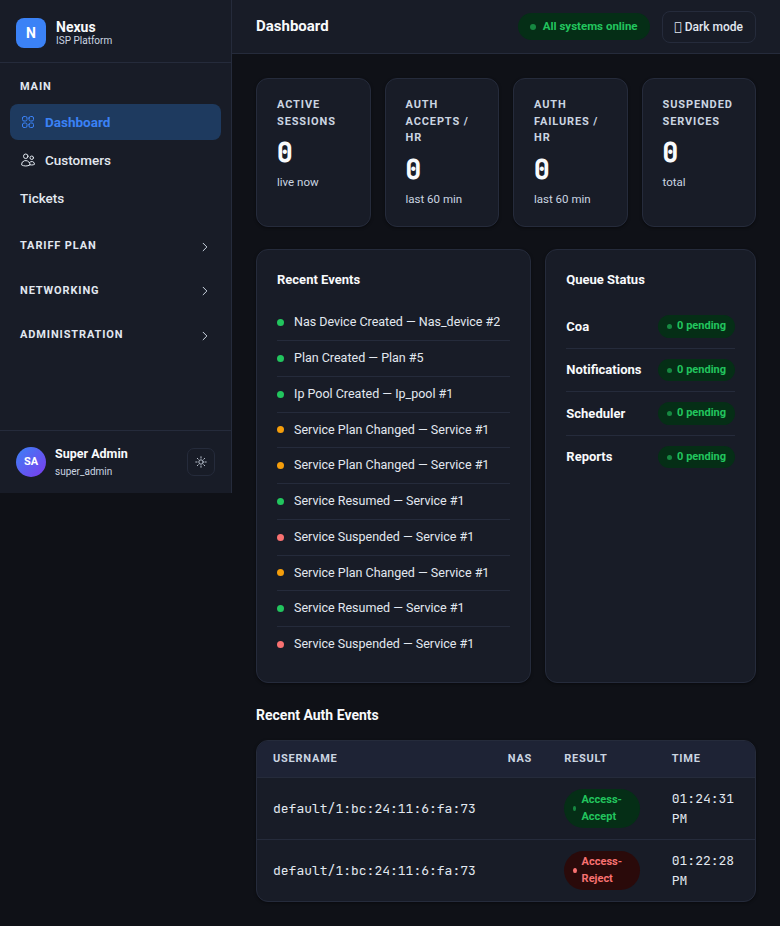
Nexus has two key parts that work together:
The management portal — where your team manages subscribers, changes plans, handles tickets, and monitors the network.
The connection engine — which automatically controls who can connect, at what speed, and when to cut them off. It reads subscriber status directly from the same database your team works in, so changes take effect immediately.
If your management portal goes down for maintenance, subscribers stay connected. The connection engine keeps running independently.
Serve Multiple ISPs from One Installation
If you manage multiple ISP brands — or want to partition by region or business unit — Nexus handles it natively. Each tenant is completely isolated: ISP Alpha cannot see ISP Beta's customers, tickets, or network data. One installation, multiple businesses, zero data leakage between them.
Subscriber & Service Management
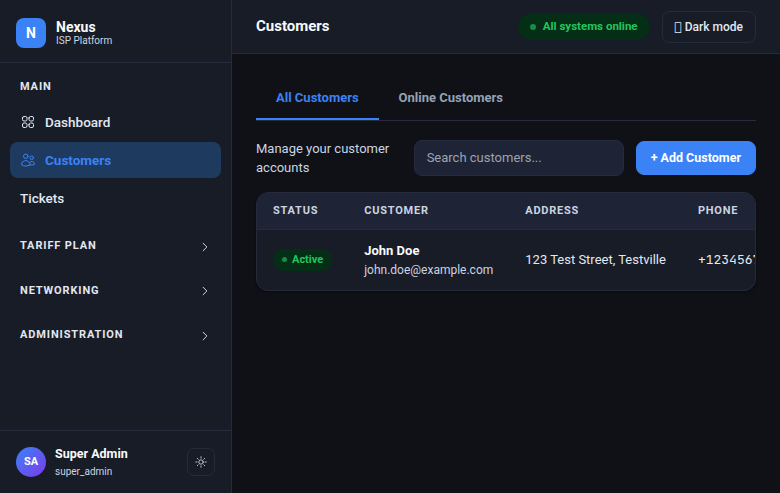
One subscriber can have multiple services — home connection, office connection, warehouse. Each service is managed independently. You can suspend one without touching the others.
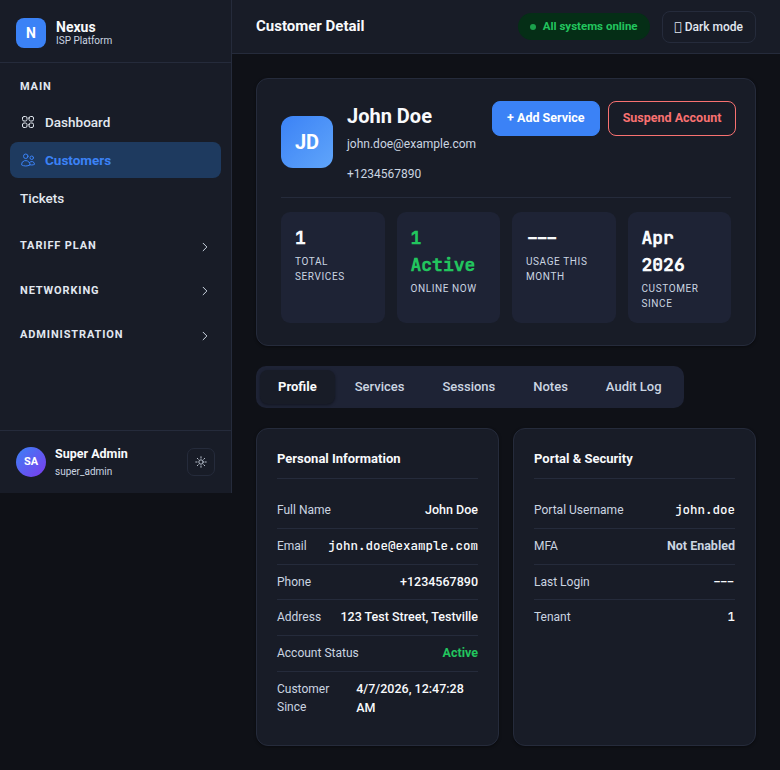
The subscriber detail page gives your team:
- Profile — contact info, account status, portal access
- Services — each connection with its current speed plan, IP address, and live session status
- Connection history — every session with timestamps, data usage, and duration
- Support notes — internal notes tagged by category (general, billing, technical, complaint)
- Change log — every action taken on this account, by whom, and when
Suspending an entire account automatically suspends all their services. Reactivating it brings them back — but any service that was individually suspended before stays suspended. No manual cleanup needed.
Instant Service Changes
When your team makes a change — activating a new subscriber, suspending for non-payment, upgrading to a faster plan — the effect is immediate:
- Activate — subscriber can connect instantly, speed limits applied automatically
- Suspend — active connection is dropped within seconds, reconnection blocked
- Resume — connection restored immediately, no manual router configuration needed
- Plan change — new speed applied to the live connection without disconnecting the subscriber
There's no waiting, no manual router login, no forgetting to update the access server. Nexus handles the network-level enforcement automatically every time your team clicks a button.
An automatic scheduler checks for expired services every 5 minutes and suspends them — same process, whether triggered by your team or by the system.
Authentication & Access Control
Username + Password] DHCP[DHCP Connections
Hardware Identification] MGMT[Router Admin Access
Staff Logins] end subgraph Nexus Decides AUTH{Allow or Deny?
What speed?} end subgraph Results ACCEPT[Connected at correct speed] REJECT[Connection denied] end PPPoE --> AUTH DHCP --> AUTH MGMT --> AUTH AUTH -->|Active subscriber| ACCEPT AUTH -->|Suspended/unknown| REJECT
Nexus controls access for three connection types:
- PPPoE connections — the standard for fiber and DSL subscribers connecting with a username and password
- DHCP connections — for networks where subscribers are identified by their hardware (MAC address/circuit ID) rather than a password
- Router admin access — control which staff members can log into your network equipment, with access levels per team
Speed limits are defined per plan, not per subscriber. Change a plan's speed once, and every subscriber on that plan gets the new speed on their next connection — or immediately if they're already connected.
Service Plans & IP Addresses
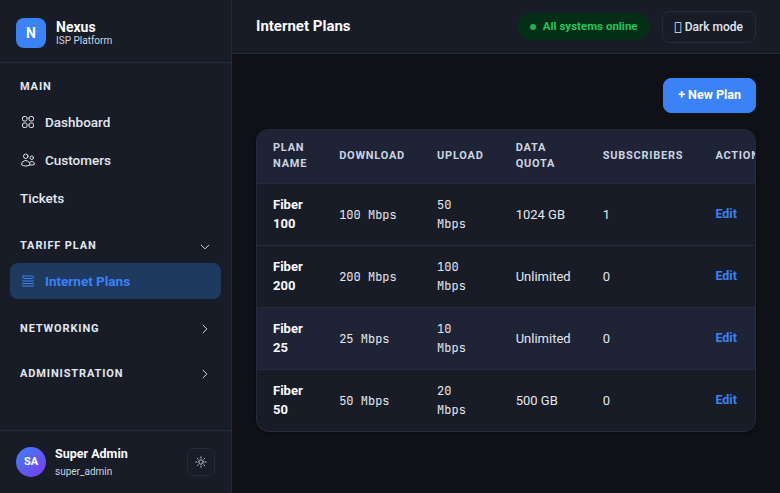
Each plan defines: download speed, upload speed, data quota (or unlimited), and what happens when the quota is reached (throttle to a slower speed or disconnect). Create as many plans as you need — residential, business, promotional, temporary.
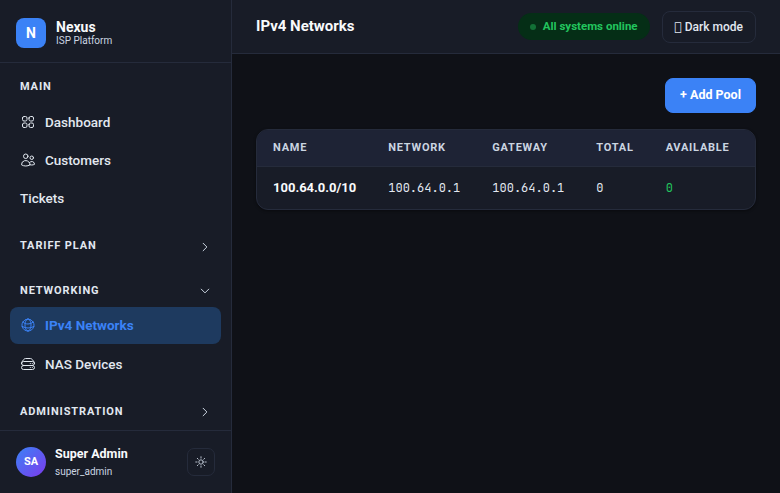
Manage your IP address pools directly in Nexus. Assign static IPs to specific subscribers or let the system assign from a pool automatically. You can always see which subscriber holds which address and how full each pool is.
Network Equipment (NAS Devices)
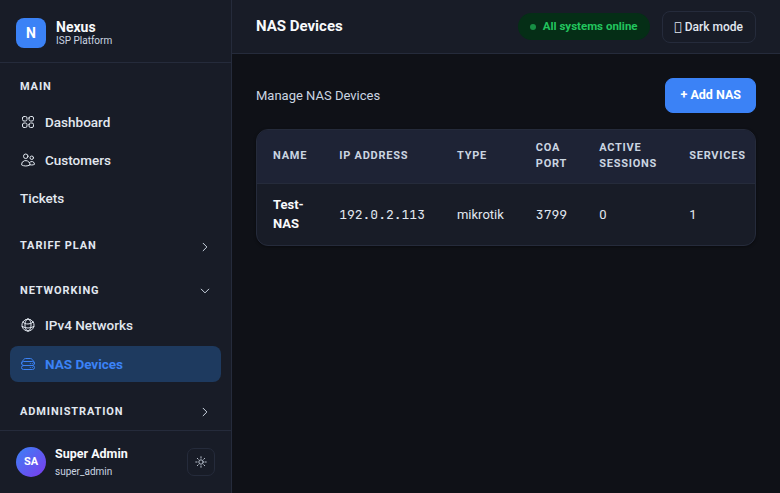
Register your routers and access concentrators in Nexus. When you add or update a device, the connection engine automatically recognizes it — no manual configuration on the authentication server required. Nexus tracks active sessions per device so you can see the load on each piece of equipment.
Live Session Monitoring
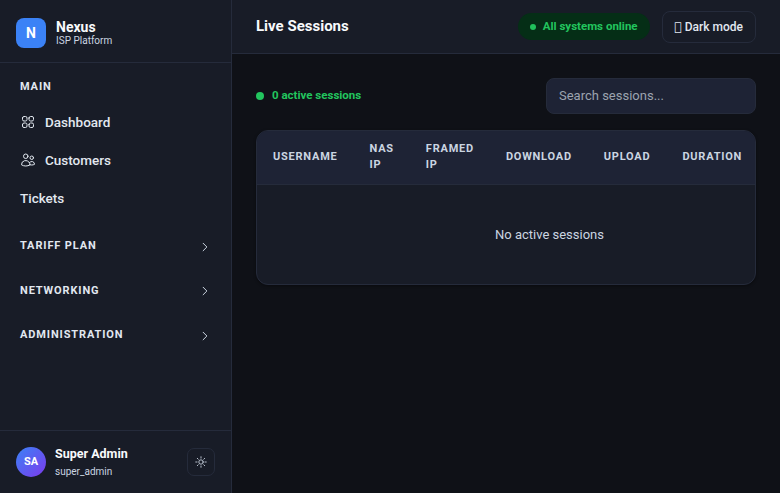
See every active subscriber connection in real time. Search by name, IP, or router. If something's wrong, disconnect a session with one click — the subscriber's router receives the instruction within seconds.
Session history is stored efficiently so you can query months of connection data without performance issues — who connected when, for how long, and how much data they used.
Built-In Helpdesk
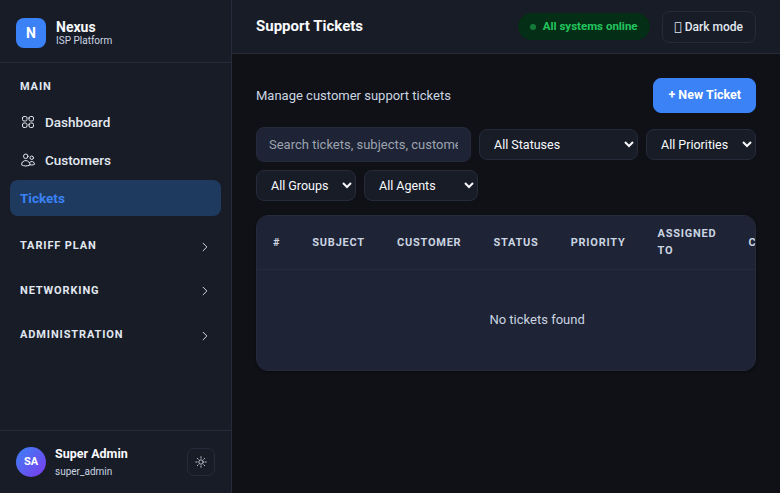
Nexus includes a full ticketing system — not a third-party integration. Because it shares the same platform as your subscriber data, support agents get instant context: when they open a ticket, they see the subscriber's connection status, plan, and account history right there.
Key capabilities:
- Multiple sources — tickets from your team, the customer portal, email, or API all land in one queue
- Team routing — assign tickets to groups (NOC, Billing, Field Support) with team leaders
- Private notes — internal comments visible only to your team, never to the customer
- Quick replies — save reusable response templates for common issues
- Merge duplicates — combine duplicate tickets from the same subscriber into one thread
- Edit protection — prevents two agents from working on the same ticket at the same time
SLA Tracking That Understands Business Hours
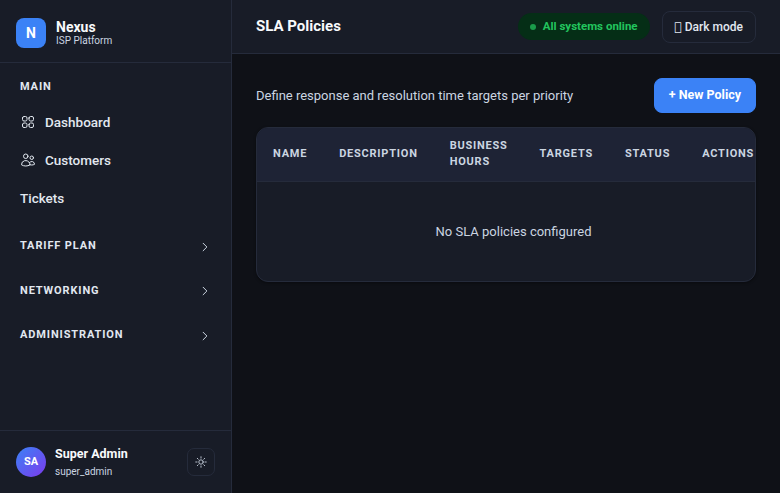
Set response and resolution time targets per priority level. Nexus counts only your business hours — an urgent ticket submitted at 4:45pm on Friday doesn't breach SLA at 8:45pm; it counts from Monday morning when your team is back.
Every 5 minutes, Nexus checks for breached SLAs and flags them in the queue. Your team sees at a glance which tickets need immediate attention.
Automation Rules
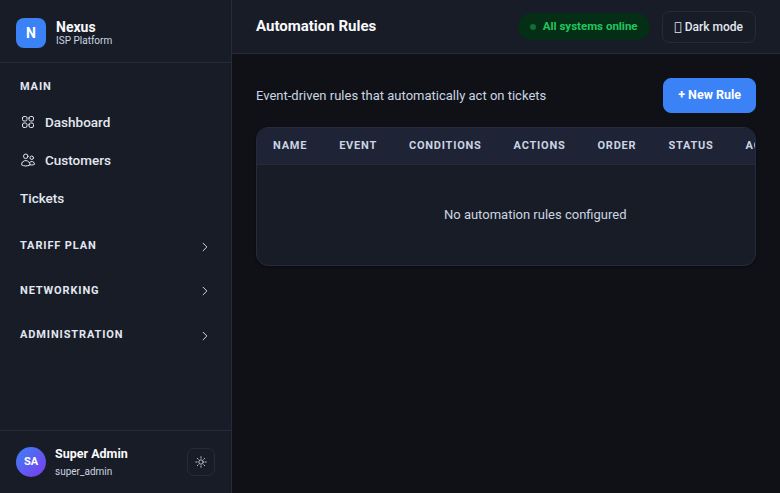
Define rules that act on tickets without human intervention. Each rule has a trigger (what happened), conditions (does it match?), and actions (what to do).
Examples ISPs set up on day one:
- New ticket with "outage" in the subject → set to Urgent priority, assign to NOC team
- Ticket waiting on customer response for 48+ hours → add a follow-up note
- Ticket resolved → notify the customer automatically
- Ticket waiting 7+ days with no customer reply → close automatically
Less manual routing means faster response times and fewer tickets falling through the cracks.
Team Management & Access Control
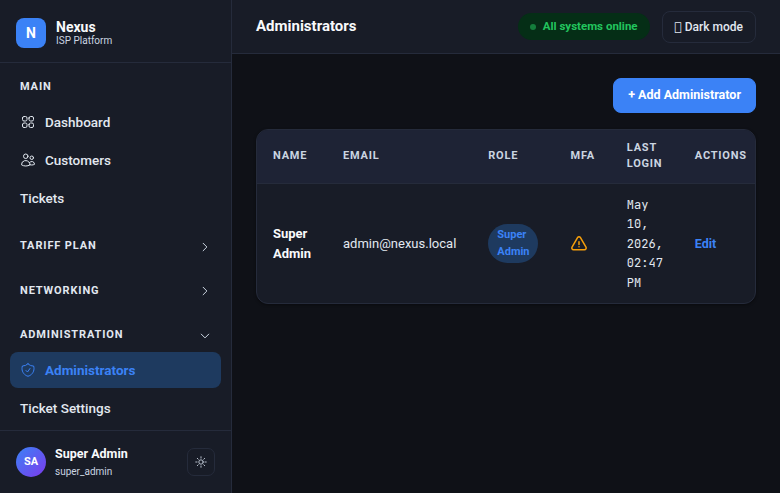
Four permission levels keep your team in their lane:
- Super Admin — full access to everything
- Support — can suspend and resume services, handle tickets, but cannot change plans
- Billing — can change plans and manage accounts, but cannot suspend services
- Read Only — can view everything but change nothing
Two-factor authentication is required for all staff accounts. The admin portal can be restricted to specific office/VPN IP addresses — access from anywhere else is blocked before it even reaches the application.
Customer Self-Service Portal
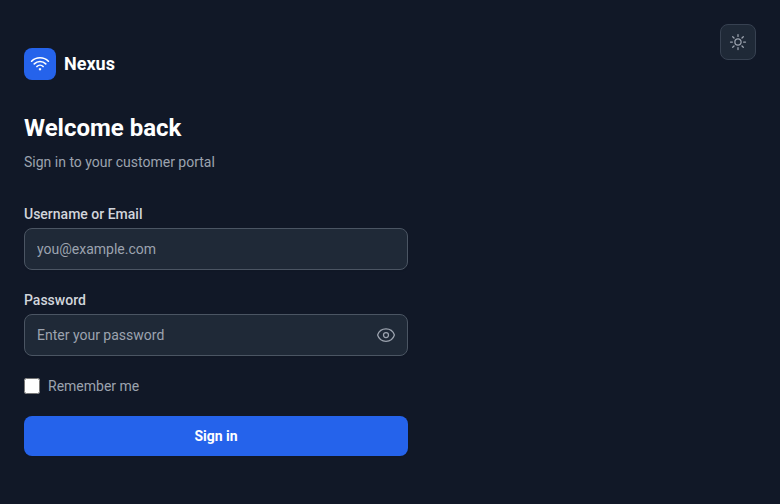
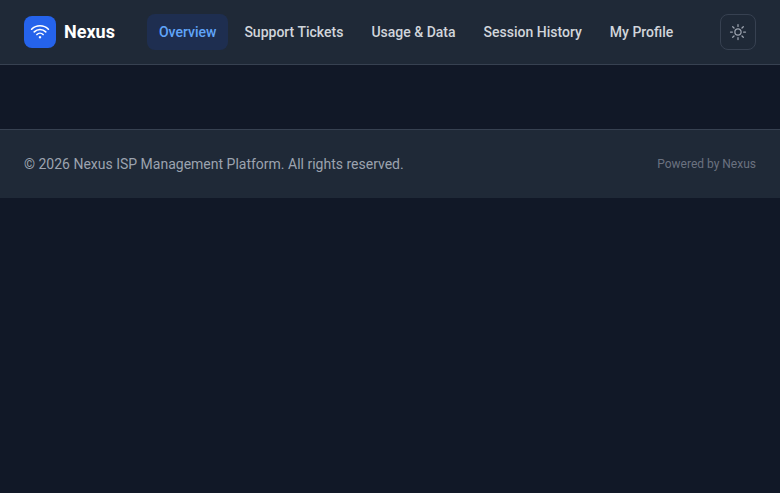
Give subscribers a portal where they can:
- See their current data usage (with visual warnings at 60% and 90%)
- View their connection history
- Submit and track support tickets
- Update their password
- Enable two-factor authentication
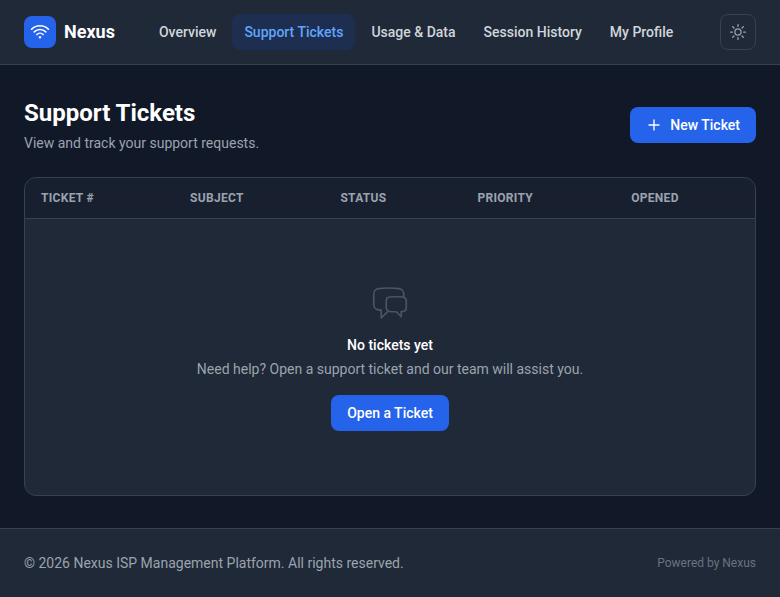
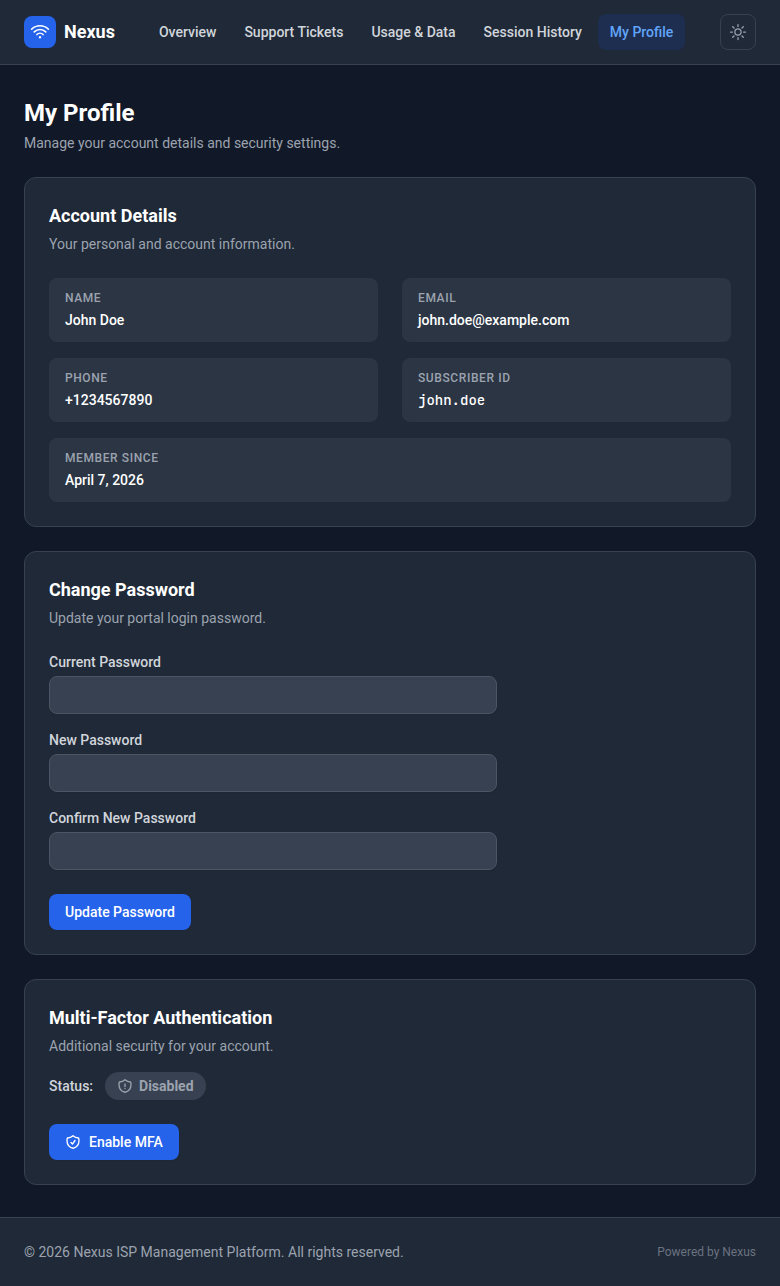
Every ticket submitted through the portal automatically links to the subscriber's account. Your team gets full context without asking "what's your account number?" Portal login credentials are completely separate from connection credentials — one doesn't compromise the other.
Real-Time Monitoring & Alerts
Nexus ships with built-in monitoring dashboards and alerting. Out of the box, you get visibility into:
- Server health — CPU, memory, disk, network
- Connection rates — how many subscribers are connecting/disconnecting, success vs. failure rates
- Queue health — are service changes being processed on time?
- Database performance — query times, connection counts
- Business metrics — active subscriber counts, SLA breach totals, service changes per hour
Automatic alerts fire for critical conditions: authentication server down, high connection failure rate, disk filling up, or application errors spiking. You know about problems before subscribers call.
Security Built In
- Encrypted sensitive data — passwords, shared secrets, and authentication keys are encrypted at rest, not stored in plain text
- Full audit trail — every change records who did it, when, and what the before/after state was
- Role-based access — staff can only do what their role allows, enforced at every level
- IP restriction — lock the admin portal to your office/VPN addresses
- Tenant isolation — if you serve multiple brands, one can never see another's data
- Two-factor authentication — mandatory for all staff, optional for subscribers
No Vendor Lock-In
Nexus runs on standard, widely-understood open-source components. There are no proprietary black boxes, no vendor-locked runtimes, no "call us to export your data" situations. Your team can inspect every configuration, query every record, and extend the system as needed.
ISPs that have operated their own infrastructure for years don't need another vendor asking them to trust a black box. Nexus gives you the management layer you've always wanted — built on components your network engineers already know.